 Xinchuan Server | Enterprise Server Hardware Supplier
PCIe Gen5 in One Table: Why 32 GT/s Changes Everything
| Generation | Lane rate | x16 bandwidth (each direction) | Era |
|---|---|---|---|
| PCIe Gen3 | 8 GT/s | 16 GB/s | Legacy fleet |
| PCIe Gen4 | 16 GT/s | 32 GB/s | Mainstream 2021-2024 |
| PCIe Gen5 | 32 GT/s | 64 GB/s | Xeon 6 / EPYC 9005 era |
| PCIe Gen6 | 64 GT/s | 128 GB/s | On the roadmap (not yet in server platforms) |
Each generation doubles lane bandwidth. Gen5 at 32 GT/s gives a x16 slot 64 GB/s per direction – enough to feed two 450W-class accelerators without oversubscription, or a 400GbE NIC without breaking a sweat. When a spec sheet says “88 PCIe 5.0 lanes per CPU,” that is the budget every device in the platform draws from: drives, NICs, GPUs, and CXL memory alike.
How Many Lanes Do You Actually Have?
Lane supply varies by platform family – and it is the first number to check when sizing I/O-heavy builds:
| Platform | Lanes per CPU | PCIe slots / cages |
|---|---|---|
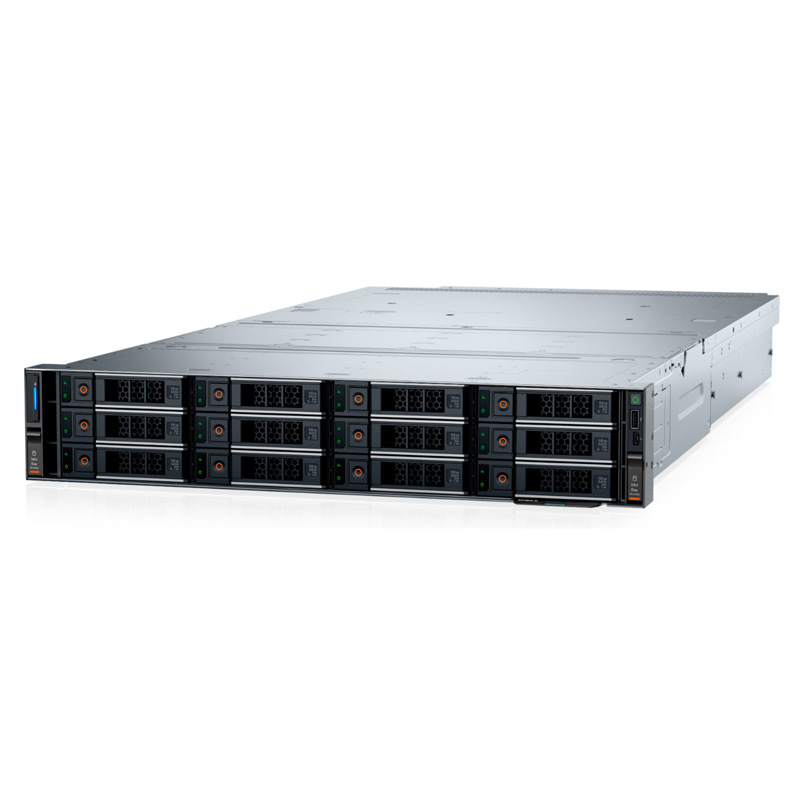
| Intel Xeon 6 (R470/R670/R770) | 88 PCIe 5.0 lanes | Up to 3×16 Gen5 slots + OCP NIC 3.0 + E3.S Gen5 drive bays |
| AMD EPYC 9005 (R7715) | 128 PCIe 5.0 lanes | Up to 8x PCIe slots; U.2 + E3.S mixed storage |
| Xeon Scalable 4th/5th (R760, R960) | 80 PCIe 5.0 lanes | 8x PCIe slots, 24x NVMe U.2 |
EPYC’s 128 lanes per socket is the largest budget in the rack market today – the reason R7715-class single-socket builds can still host 40x E3.S plus a full NIC/GPU complement. Xeon 6’s 88 lanes keeps the 1U and 2U mainstream (R670, R770) fully fed for the storage and network tiers that dominate enterprise workloads.
Where the Lanes Go: E3.S Gen5 Storage
The EDSFF E3.S form factor is the storage expression of Gen5. Dell’s Xeon 6 platforms now ship E3.S Gen5 cages: R670 carries 8-20x E3.S, the R770 up to 40x E3.S, and the 1U R470 up to 16x. Each E3.S Gen5 NVMe drive is a x4 link at 32 GT/s – a single 20-bay R670 front loaded with Gen5 flash consumes ~80 lanes of storage bandwidth before a single NIC is counted.
- Gen4 drives in Gen5 cages: run at full Gen4 speed – a cost-efficient bridge for 2026.
- Capacity math: 20x 61.44 TB Gen5 E3.S drives = 1.2 PB per 1U node (the 1228.8 TB figure in Dell’s R670 spec sheet).
- Airflow bonus: EDSFF cards channel air across NAND, which is why 40-bay 2U cages stay inside thermal spec without liquid cooling.
Bifurcation: Splitting x16 Into x8 / x4 Groups
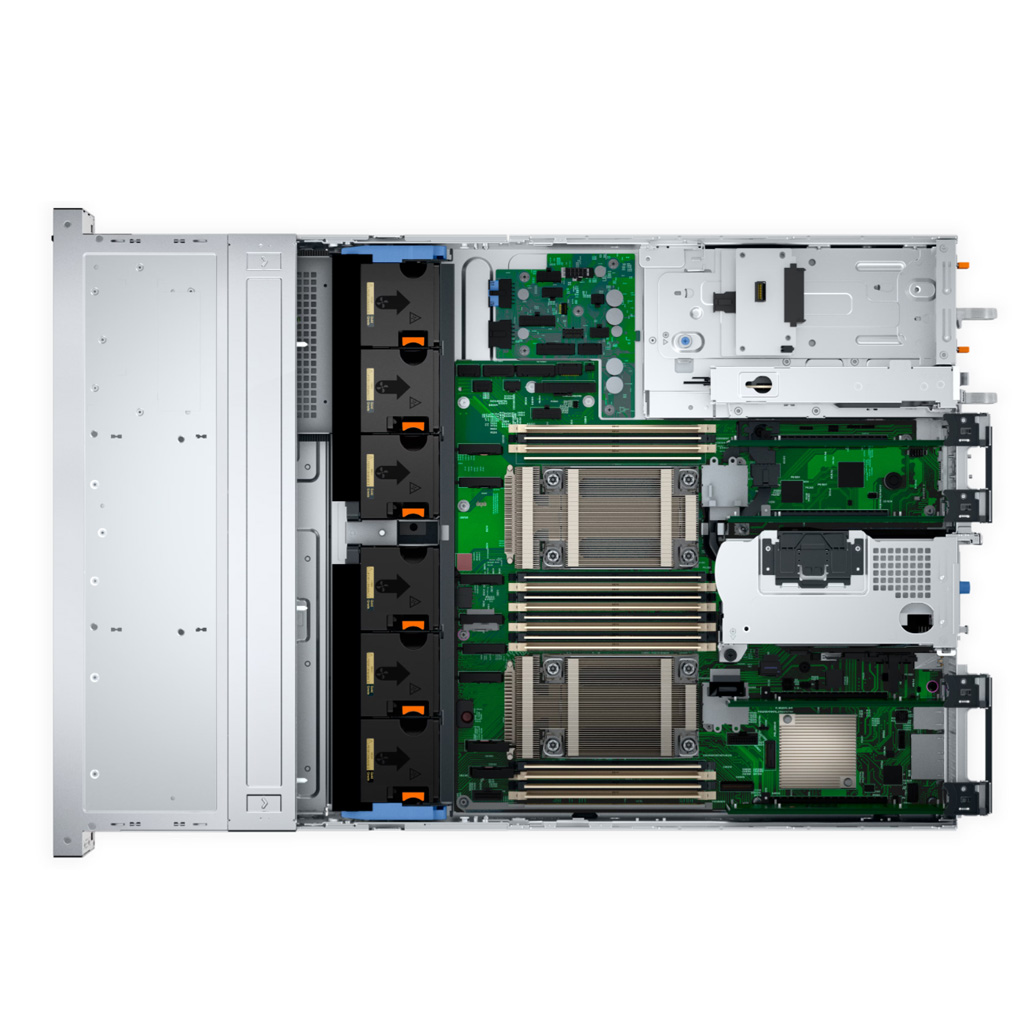
A 16-lane slot can be split (“bifurcated”) into smaller groups so one physical slot hosts multiple devices:
- x8/x8: two dual-port NICs or two smaller accelerators in one slot.
- x4x4x4x4: four NVMe drives off one slot – common on M.2 and E1.S adapters.
- Why it matters: a 2U with 8 physical slots can present 24+ logical devices when bifurcation and tri-mode controllers cooperate.
Not every BIOS exposes full bifurcation flexibility – check the platform’s supported split modes before designing a dense I/O layout, and confirm with the configuration team when a build mixes GPU + storage + networking in the same chassis.
CXL 2.0: The PCIe Protocol That Adds Memory
CXL runs over the PCIe physical layer and lets CPUs attach memory and accelerators coherently. On Xeon 6 P-core SKUs, CXL 2.0 is supported (the R670 technical guide confirms CXL 2.0 on P-core processors); E-core SKUs do not carry the feature. Practical 2026 use:
- Memory expansion: CXL-attached memory modules extend capacity beyond the 32 DIMM slots for in-memory database staging.
- Pooling: shared memory across a small cluster for cache tiering – the feature set that becomes mainstream with CXL 3.0 platforms.
For now, treat CXL as a capacity play on P-core builds – not a replacement for DIMM planning. The 1DPC vs 2DPC rules from our DDR5 memory guide still govern the primary memory tier.
Networking on Gen5: OCP NIC 3.0 and 400GbE
Gen5 platforms standardize on OCP NIC 3.0 mezzanines – the R670 carries two OCP slots (front or rear I/O), the R770 the same. OCP 3.0 cards span 1GbE BASE-T through 100/400GbE, and with 88 lanes per CPU there is no lane starvation when a 400GbE card (x16) coexists with a full NVMe cage and a GPU riser.
GPUs on Gen5: When 64 GB/s Per Slot Is the Requirement
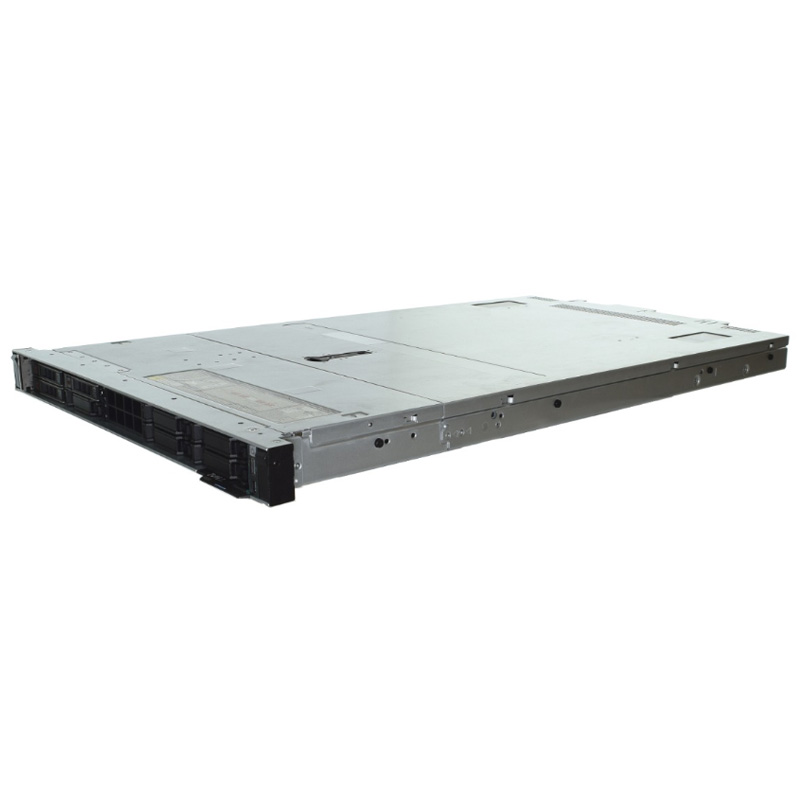
Accelerator classes map directly to PCIe generations. A 450W double-width GPU (the class the R770 supports in pairs, or the XE9680 in eight) needs a full x16 Gen5 link to keep training and inference data moving; a 75W single-width accelerator is comfortably served by x16 Gen4. The rule of thumb for 2026 builds:
| Accelerator class | Typical link | Platform example |
|---|---|---|
| 3x 75W single-width (inference / DPU-class) | x16 Gen4 or Gen5 | R670, R660 |
| 2x 450W double-width | x16 Gen5 per GPU | R770 |
| 8x H100/H200-class | x16 Gen5, dedicated risers | XE9680 |
An 8-GPU node like the XE9680 consumes 128 lanes of Gen5 for accelerators alone – which is why GPU servers are built on dedicated high-lane-count riser architectures rather than general-purpose 2U platforms. If your workload is headed to AI, plan the lane budget from the accelerator count first, storage second, networking third.
Common PCIe Misconceptions
- \”PCIe 5.0 cards need Gen5 CPUs.\” No – a Gen5 card runs at Gen4 speed on a Gen4 platform. The platform only limits the link rate, not compatibility.
- \”More slots always means more bandwidth.\” Slot count is not lane count. A platform can present 8 physical slots sharing a smaller lane budget with oversubscription (e.g. x16 slots wired as x8). Check the riser wiring table, not the slot count.
- \”E3.S is just a new connector.\” E3.S is also a thermal and signaling standard – the reason 40-bay 2U cages work on air cooling. Treating it as a mere plug change misses the density design point.
- \”CXL replaces DIMMs.\” Not yet – CXL 2.0 augments the primary DDR5 tier (P-core SKUs only) for capacity scenarios; latency and economics still favor DIMMs for the main memory tier.
Reading a Spec Sheet: The 30-Second Lane Audit
- Find “PCIe 5.0 lanes per CPU” – this is the total budget (88 for Xeon 6, 128 for EPYC 9005).
- Count the slot and OCP demands: each x16 slot = 16 lanes, each OCP NIC 3.0 = 8-16 lanes, each E3.S drive = 4 lanes.
- Add the drive cage’s full population (e.g. 20x E3.S = 80 lanes) plus NIC (16) plus GPU riser (16) – if the sum exceeds the budget, the platform oversubscribes or the config does not exist.
- Ask the vendor to confirm the exact lane allocation for the configured risers – that is where quotes silently diverge.
Final Thoughts
PCIe Gen5 is not a headline number; it is the budgeting layer under every drive, NIC and GPU in the server. Lane count per CPU, E3.S cage capacity, bifurcation support and CXL availability – check all four before the quote, not after the rack arrives. As an authorized Dell and xFusion partner we map lane budgets to workload for every configuration – competitive pricing, 3-year warranty, global shipping, free consultation. Contact us to validate a build, or browse the range.