 Xinchuan Server | Enterprise Server Hardware Supplier
Every Backup We Have Is Unrecoverable
That is the sentence no backup admin wants to hear. The ransomware call comes at 2am, the incident-response team asks for the last good copy, and the backup chain turns out to be encrypted too – or the restore job fails at 93% because nobody ever tested it. Backup is not the problem; backup architecture is. This guide walks the four layers that make recovery actually work on Dell PowerEdge platforms.
Layer 1: The 3-2-1 Discipline, Applied to Hardware
| Rule | Practice | Hardware fit |
|---|---|---|
| 3 copies | Primary + backup + off-site/cloud | Production nodes plus a dedicated backup server pool |
| 2 media types | Disk + tape or object storage | NVMe primary, HDD capacity tier, object/tape archive |
| 1 copy off-site | Air-gapped or cloud replica | Replication link or removable media rotation |
On the server side this maps to: production workloads on Xeon 6 platforms, a dedicated backup node with capacity-optimized storage, and an off-site copy that is never on the same network segment as production.
Layer 2: Immutable Backups Beat Ransomware Math
- Write-Once protection: backups written to object-locked or WORM targets cannot be modified or deleted by a compromised admin account – the attacker must destroy the entire appliance, which trips alarms.
- Separation of duty: backup admin credentials must differ from production admin credentials; use a second identity provider or a jump host.
- Air gap by schedule: a periodic offline copy (removable media or a powered-down replica) survives even the worst-case full-fleet compromise.
- Retention math: GFS (grandfather-father-son) keeps daily/weekly/monthly chains; immutable buckets add cost per TB – size retention against legal and recovery needs, not fear.
Layer 3: RPO and RTO as Engineering Numbers
Recovery objectives are not a slide; they are a budget. Work out the math before choosing platforms:
| Tier | RPO | RTO | Implication |
|---|---|---|---|
| Mission databases | 15 min | 2 h | Transaction-log shipping or snapshot + log replay; NVMe restore tier |
| File and app servers | 4-24 h | 8 h | Nightly backup to HDD capacity tier is enough |
| Dev/test | 24 h+ | 24 h+ | Weekly chain, cheapest storage |
Agree the numbers with the business first; the platform plan follows. RTO drives restore-path speed: a 2-hour RTO on a 10TB database demands NVMe-class restore volumes and rehearsed procedures on NVMe staging, not a best-effort tape restore on the day the business is already down.

Layer 4: Recovery Verification – The Part Everyone Skips
- Automated restore tests: restore a random file set weekly and a full VM quarterly; record time-to-restore and failures.
- Antivirus scan before restore: scan the backup image for the ransomware that infected production – restoring an infected image reintroduces the attack.
- Boot test: a backup is only good if it boots. Boot restored VMs in an isolated VLAN and run a smoke test.
- Runbook: document who does what in hour 0-1; run a tabletop exercise at least yearly.
Reference Architecture on Dell and xFusion Platforms
| Layer | Platform | Why |
|---|---|---|
| Primary workloads | R760/R770 or R7725 (EPYC 9005) | Production compute and database performance |
| Backup node (dedupe/compress) | 2488H V7 or R670 | Memory bandwidth for dedupe engines; 2-4 socket options scale the job |
| Backup capacity tier | 5288 V7 (44x 3.5-inch) or R760 with 12x 3.5-inch bays | Bays, not CPUs, matter – fill with 20-24TB CMR drives |
| Off-site/immutable | Object storage or removable media | WORM policy and physical air gap |
For capacity sizing, apply a 1:10 to 1:15 dedupe ratio for virtualized fleets when estimating HDD tier size – a 100TB logical estate typically lands at 7-10TB of deduplicated backup per full run.
Ransomware Recovery Playbook: Hour 0 to Day 3
- Hour 0 – isolate: disconnect production storage and backup nodes from the network; preserve evidence and alert insurance/legal.
- Hour 1 – assess: inventory the last known-good immutable copy; confirm the air-gapped copy is intact and offline.
- Hour 4 – stand up clean: boot restore staging from the backup node’s NVMe tier; scan images before mounting.
- Day 1 – restore priority: restore mission databases and core AD/DNS first (see the RTO tier table), then file servers.
- Day 2 – verify: run application smoke tests per tier; document restore times against RTO commitments.
- Day 3 – harden: rotate credentials, patch the initial-access vector, and update the runbook from what the drill taught you.
Matching Backup Software to the Platform
- Image-based (Veeam, Commvault, Nakivo): install proxies on the backup node; dedupe/compression is CPU- and memory-hungry – a 2488H V7 (2-4 sockets, 64 DDR5 slots) or R670-class node sustains many concurrent jobs.
- Agent-based (DB dumps, application plugins): lighter on the backup node; schedule log shipping for 15-minute RPO tiers.
- NAS/snapshot-based: storage-native snapshots cut RPO to minutes but add capacity overhead – keep snapshot chains short and replicate off-site.
- Hardware sizing rule of thumb: one vCPU and 4-8GB RAM per concurrent backup job on the backup node; 10GbE NIC minimum to the storage tier, 25/100GbE for large fleets.
Whatever the software, the architecture rules hold: 3 copies, 2 media types, 1 off-site, immutable where ransomware is a realistic threat, and verified restores on a schedule.
Capacity Math: Sizing the Backup Tier
- Full + incremental chains: for a 100TB logical estate at 1:12 dedupe, one full is ~8.3TB; two weekly fulls plus 10 daily incrementals land near 20-25TB for a 30-day chain.
- Retention multiplier: 12 monthly archive copies at ~8.3TB each add ~100TB on the archive tier – budget immutable object storage or tape accordingly.
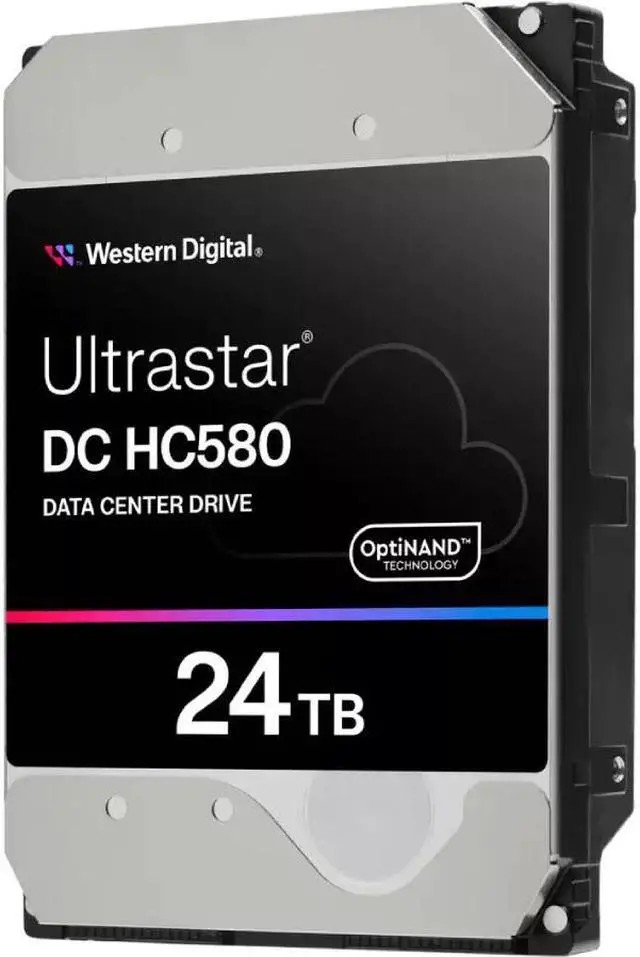
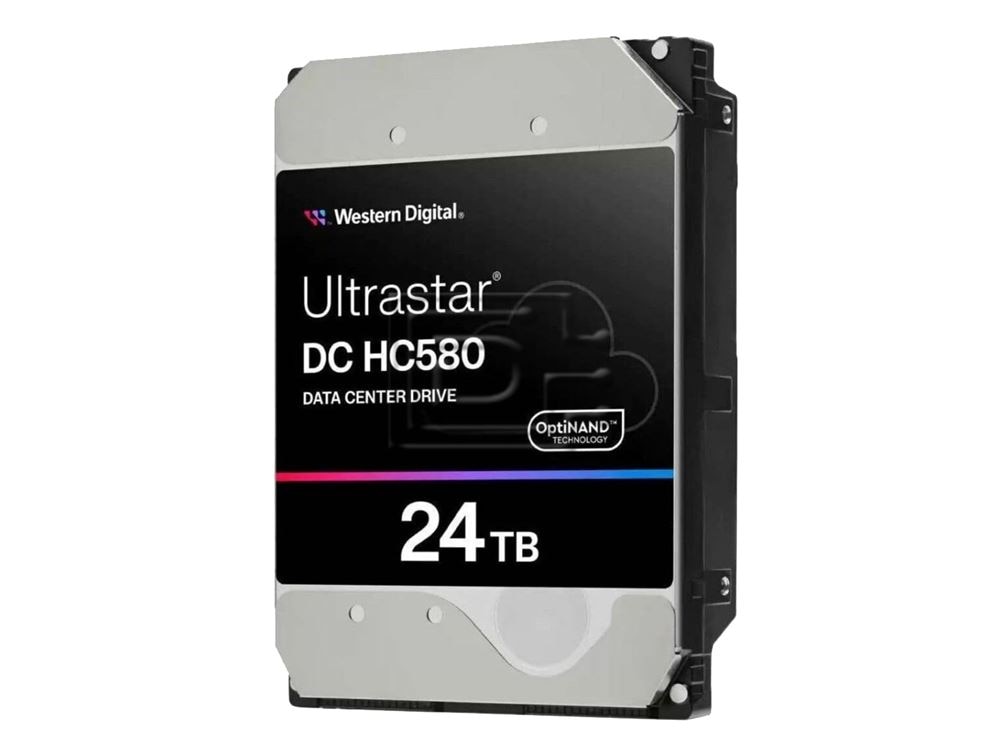
- Bay math: 20-25TB usable needs 2-3 bays with 24TB drives (WD HC580 / Seagate Exos X24 class) – a 5288 V7 with 44 bays covers a 300TB+ deduplicated backup tier in one 4U chassis.
- Growth headroom: plan 20-30% over current need; backup grows faster than primary in most fleets.
Run this math before procurement – backup tier cost is driven by bays and drives, not CPU cores, so choose a storage-dense platform (5288 V7, R760 12x 3.5-inch) for the target and a memory-rich node like the 2488H V7 for the dedupe engine.
Buying FAQ
- Should backup storage be RAID 5 or RAID 6? For backup tiers, RAID 6 on 8-12 drives balances usable capacity with double-parity protection during rebuilds – data loss at the backup tier is the one failure mode you cannot afford.
- How many backup nodes do I need? One dedicated node per 200-400 VMs, or per 50-100TB of logical data; scale with a second node for redundancy.
- NVMe for backups? Only for the restore staging tier; the backup target should be capacity HDD or object storage for cost-per-TB.
- Can the backup tier double as archive? Yes, with immutable retention – but keep the air-gapped copy separate.
- Do I need a separate backup network? Ideally yes – a dedicated VLAN for backup traffic keeps restore paths out of production congestion and isolates a compromised segment.
- How often should restore tests run? File-level weekly, full-VM quarterly, and a full ransomware drill yearly – schedule them like change management, not optional.
- Warranty? As an independent supplier we quote competitive pricing with 3-year warranty and free consultation – including backup capacity sizing and recovery runbook design.
Designing your backup architecture? Contact us for a sizing worksheet covering dedupe ratios, RPO/RTO targets, capacity tier and immutable retention planning, with a restore-test schedule and a ransomware runbook tailored to your platform mix.