 新川サーバー | エンタープライズ サーバー ハードウェア サプライヤー
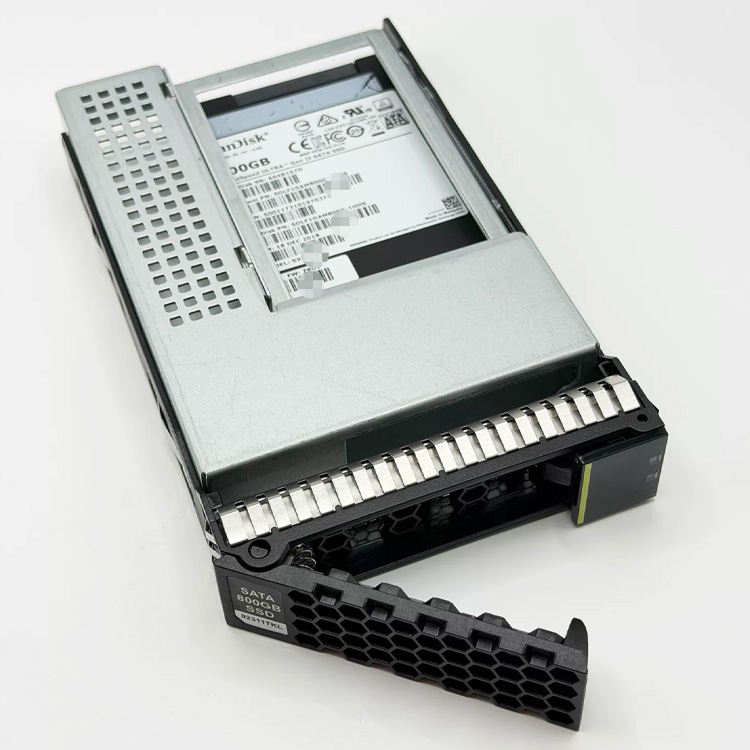
That Empty PCIe Slot in Your Server Could Hold 15.36 TB of NVMe Storage. Here Is How.
Every Dell, xFusion, and Lenovo server has at least one PCIe slot that is not being used for a GPU, NIC, or RAID controller. The Supermicro AOC-SLG3-2M2 turns that empty slot into two additional M.2 NVMe drive bays — adding up to 30.72 TB of NVMe storage to any server without consuming a front-panel drive bay, without a U.2 backplane, and without a single SAS cable.
This is the cheapest, simplest path to adding NVMe storage to a server that was not ordered with enough NVMe bays. Populate it with 2x 7.68 TB M.2 22110 ドライブ, and your virtualization host gains an additional 13.8 TB of RAID 1 (また 15.36 TB JBOD) storage that lives entirely inside the PCIe slot.
技術仕様
| パラメータ | 仕様 |
|---|---|
| モデル | Supermicro AOC-SLG3-2M2 (PCIe 3.0 variant) |
| Host Interface | PCIe 3.0 x8 (64 Gb/s — sufficient for 2x NVMe Gen3 drives at ~3.5 GB/s each) |
| ドライブインターフェース | 2x M.2 M-key (NVMe, PCIe 3.0 x4 per slot) |
| Supported M.2 Form Factors | 2242, 2260, 2280, 22110 (adjustable standoffs) |
| RAID サポート | No hardware RAID. ソフトウェアRAID (mdadm, ZFS, Storage Spaces) or VROC (Intel Virtual RAID on CPU) via platform |
| Bifurcation Required | Yes — host PCIe slot must support x4/x4 bifurcation. Most servers from 2020+ support this in BIOS. |
| Drive Hot-Swap | Not supported (internal card — requires opening chassis to replace drives) |
| LED Indicators | Activity LED per drive (green), fault detection |
| Power to M.2 Slots | 3.3Ⅴ, supplied via PCIe slot (no supplemental power connector needed) |
| フォームファクタ | Low-profile PCIe, full-height bracket included |
| 物理的寸法 | 167 バツ 69 んん (standard LP card) |
| 冷却 | Passive (requires chassis airflow across M.2 drives) |
| OSサポート | ヴイエムウェア ESXi 7.0+, 8.0+ | Windowsサーバー 2019/2022/2025 | RHEL 8.6+/9.x | Ubuntu 20.04/22.04/24.04 | TrueNAS Scale | Proxmox VE |
| Compatible Servers | Any server with PCIe 3.0 x8+ slot and x4/x4 bifurcation support |
| 保証 | 3-年限定 (メーカー) |
Five Practical Deployments for the AOC-SLG3-2M2
| Deployment | ドライブ | Configuration | Result |
|---|---|---|---|
| ESXi Boot + Scratch | 2バツ 240 GB M.2 NVMe | レイド 1 (software, via ESXi installer) | Reliable boot volume, frees 2 front bays for data storage |
| Hyper-V Storage Spaces | 2バツ 3.84 TB M.2 NVMe | Mirror (Storage Spaces) | 3.84 TB mirrored VM storage on one PCIe card |
| TrueNAS SLOG / L2ARC | 1バツ 480 GB M.2 (SLOG) + 1バツ 1.92 TB M.2 (L2ARC) | Dedicated ZFS devices | 10x write latency improvement (SLOG), 5x read cache hit rate (L2ARC) |
| Docker Persistent Volume | 2バツ 7.68 TB M.2 NVMe | レイド 1 (mdadm, hardware agnostic) | 7.68 TB mirrored container storage in a single PCIe slot |
| Proxmox Ceph OSD | 2バツ 1.92 TB M.2 NVMe | Ceph OSD (bluestore), 1 drive per OSD | 2x OSDs per PCIe card — high IOPS density for Ceph clusters |
Bifurcation Check — Before You Order
The AOC-SLG3-2M2 requires the host PCIe slot to support x4/x4 bifurcation — splitting the 8 PCIe lanes from the slot into two independent groups of 4 lanes each, one per M.2 drive. Check your server’s BIOS under “PCIe Bifurcation” また “Slot Bifurcation” settings. Most Dell PowerEdge 15th/16th Gen, xFusion V7, and Lenovo V3/V4 servers support this on at least one riser slot. If the BIOS shows “x8” のみ (no bifurcation option), only one M.2 drive will be detected.
On Dell iDRAC9: navigate to Configuration > BIOS Settings > Integrated Devices > Slot Bifurcation. On xFusion iBMC: navigate to BIOS > Advanced > PCI Subsystem > Slot Bifurcation.
新川経由のソース
We supply AOC-SLG3-2M2 adapters pre-installed in server configurations with M.2 drives populated. Factory-direct pricing, 3-年保証, そして世界的な発送.